Interactive product demos for product, support and sales teams
Type what to show. Reel does the clicking.
Describe a task in your product and Reel’s AI clicks through it for you. Rather do it yourself? Click through once with our Chrome extension (coming soon). Either way, Reel captures every step, writes the tooltips and blocks out customer data. You get a demo people can click through, shared with one link.
Free forever for one maker, or 2 weeks of Pro free. Viewers never need an account, or a meeting link.
The problem
Six paragraphs, four screenshots and a prayer.
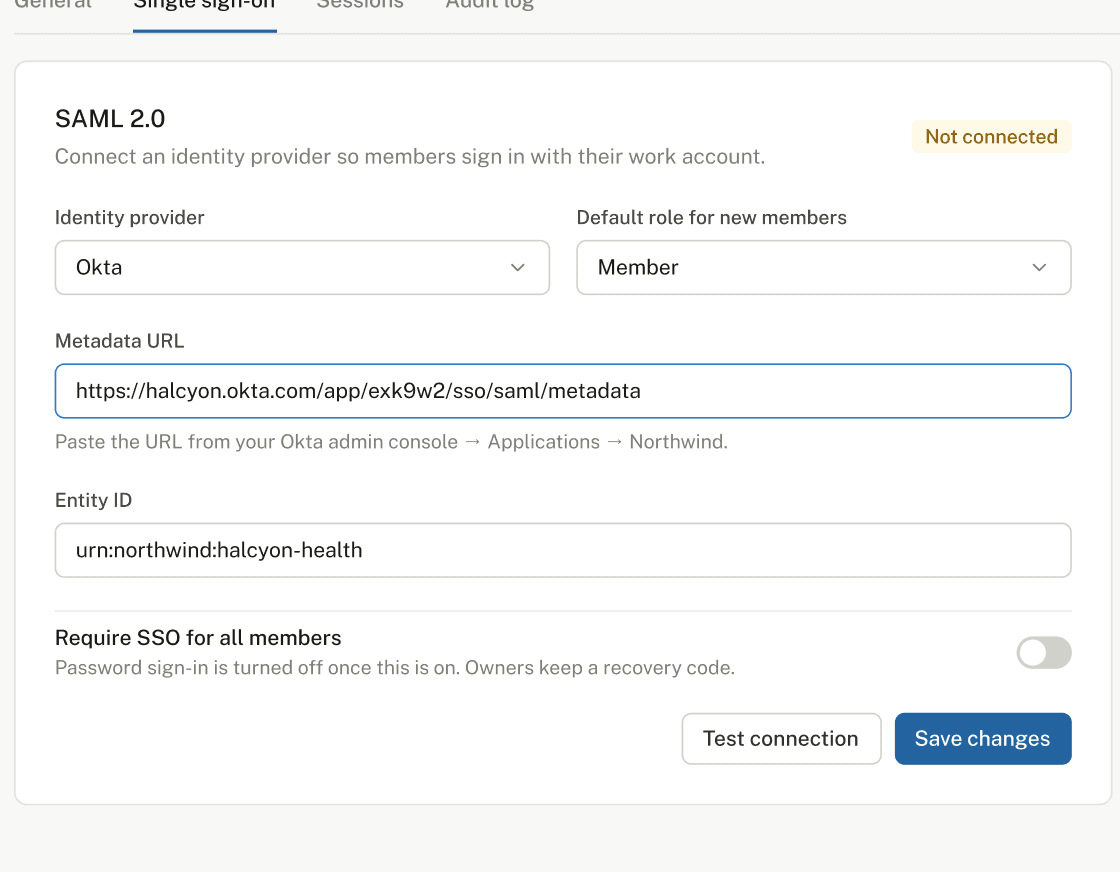
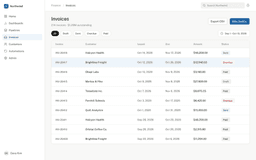
A customer asks how to export invoices. Someone writes six paragraphs, takes four screenshots and presses send with hope in their heart. Next week, someone else asks the same thing. The help article went stale the day after the redesign. The screen recording loses everyone at 0:40. And the live demo is on its fifth performance, for the stakeholder who missed the first four.
Reel turns the answer into a link people can click through. Make it once, then send it to everyone who asks next, and to the person after them.
Brief it like a colleague. It won’t reply “noted” and vanish.
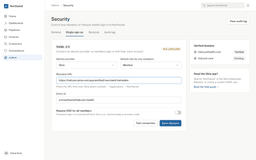
Write “Show how to set up SSO in Admin”. Reel opens your app, does the task, captures each screen and puts the hotspot where to click. You review the steps, fix what you like and publish. Nobody has to share their screen, wander the cursor around and say “one sec, it’s somewhere here”.
- Works on web apps you can sign in to with a test account
- Every step stays editable: reorder, retake, rewrite
- Nothing is published until you say so

Do the task once. Never narrate it again.
Turn on the Reel Chrome extension and use your product as usual. Every click becomes a step with a screenshot and a hotspot. Typing shows up in the next screen. Press Finish and the demo is ready to edit. Misclicked? Undo the last step and carry on. Nobody has to start again from the top.
- Password fields are never captured
- Undo the last step without starting again
- Already have screenshots? Drop in up to 50 at once
We write the tooltips. You take the credit.
Reel drafts each tooltip from what you clicked: “Open Settings”, “Type your company domain”, “Turn on Require SSO”. Keep them, tweak them or write your own. We won’t take it personally.
Try a live demo
This is a real Reel demo. ClickTap the orange dot. Go on, nobody’s watching.
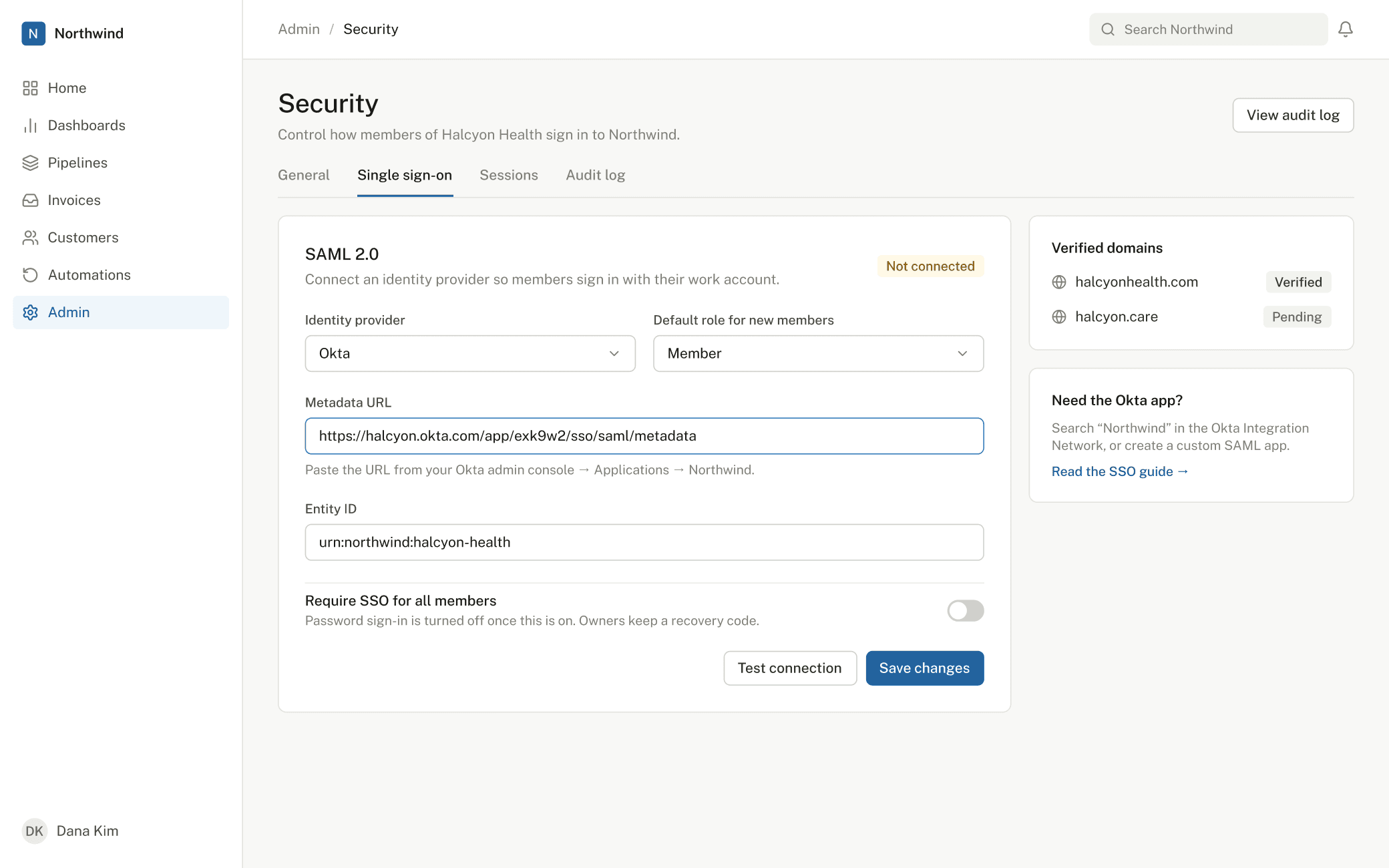
Made with Reel, not a screen share. Make your own, free.
Share the demo. Not your customer’s email address.
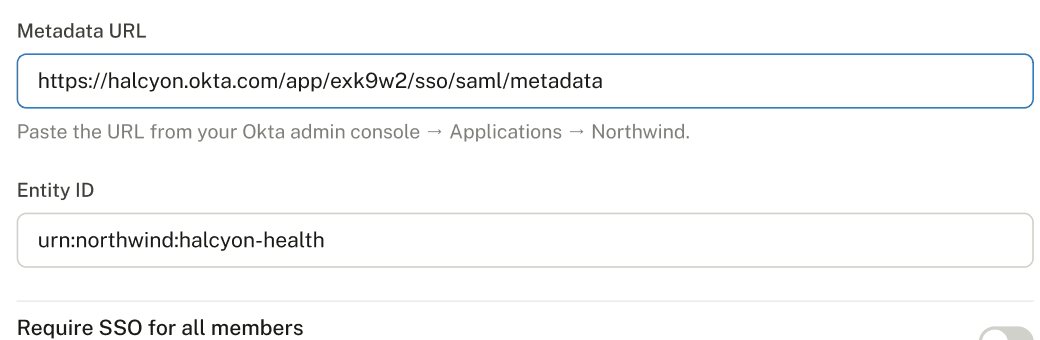
Reel finds emails, phone numbers, card numbers and API keys on every screen and covers them with solid blocks. The blocks are baked into the image, so the original never reaches a viewer.
Your whole team can have opinions. Only makers pay.
Invite your whole team. Viewers are free: they watch workspace demos and leave comments on the exact step that needs work, instead of “some thoughts” in a thread nobody can find by Thursday. Makers can pick up a teammate’s demo and add the missing steps with Continue this demo, or remix it into a new one.
- Comments pinned to the step they’re about
- Roles for admins, makers and viewers
- Demos stay in your workspace or go public by link: your choice, per demo
A view count tells you they opened it. We tell you where they left.
Every demo shows views, completion and the step where viewers drop off. It’s usually the one you were sure was obvious. Fix the step that loses people and watch completion climb.
Three ways to show it
Click it, watch it, or both.
All three share one link, one player and the same comments.
Click-through
What the viewer does
Clicks the hotspot, or presses Enter, to go to the next step
Best for
Step-by-step how-tos and onboarding
ClipComing soon
What the viewer does
Watches a screen recording with your voice. It’s recorded in the browser, with nothing to install
Best for
Explaining the why, quick updates
HybridComing soon
What the viewer does
Watches, and the video pauses until they click the right spot
Best for
Walkthroughs that need both story and practice
Use cases
Product managers
Release notes people actually try
Put a 60-second demo in the changelog, so customers try the feature instead of skimming the post.
Customer success and support
Retire the six-paragraph reply
Reply with a link in under five minutes, then reuse it for everyone who asks next.
Sales and solutions
Stop giving the same demo to the fifth stakeholder
Send the exact workflow from the call, so your champion can show it to the people who weren’t there.
Compare
The comparison table you were going to make anyway.
| Reel | Supademo | |
|---|---|---|
| Price per maker | $19–24 a month | $38–50 a month |
| Reviewers and commenters | Free | 5 free, unlimited from $199 a month |
| Click-throughs, clips and hybrids | Click-throughs. Clips and hybrids coming soon | Click-throughs and videos |
| Describe it, it builds the demo | Yes | No, it converts a recording |
| Automatic redaction | Yes | Smart blur, on paid plans |
Price per maker
Reel$19–24 a month
Supademo$38–50 a month
Reviewers and commenters
ReelFree
Supademo5 free, unlimited from $199 a month
Click-throughs, clips and hybrids
ReelClick-throughs. Clips and hybrids coming soon
SupademoClick-throughs and videos
Describe it, it builds the demo
ReelYes
SupademoNo, it converts a recording
Automatic redaction
ReelYes
SupademoSmart blur, on paid plans
Checked against public pricing on 24 October 2026.
Pricing
Free while you’re small. Pay when it’s pulling its weight.
The free plan is yours to keep: 1 maker and 5 published demos, no card. When you need more, Pro is $19 per maker a month paid yearly, and every new maker gets Pro free for 2 weeks first. Viewers and commenters are always free, however many opinions they have.
$19per maker a month, paid yearly
FAQ
Things people ask right before they press Start free
No. Anyone with the link opens the demo in their browser, on a phone or a computer. No sign-up, no download, no “can you see my screen?”. You can also keep a demo to your workspace only.
Web apps you can sign in to with a test account. Use a test account rather than a real one, because Reel clicks through the app exactly as a person would. Treat it like a new hire on day one: a test account, not the CEO’s login.
Emails, phone numbers, card numbers and API keys are blocked out automatically before you publish, and password fields are never captured. The blocks are baked into the image, so viewers can’t remove them, however good they are with a browser’s developer tools.
Yes. Every demo has a link and an embed code. Your help centre finally gets to help.
Only people who create and edit demos. Commenters and viewers are free on every plan, including the ones whose only comment is “looks good”.
Every new maker gets Pro free for 2 weeks. After that, carry on at $19 a month paid yearly ($24 monthly) or stay on the free plan. Your published demos keep working either way. Nothing you’ve published disappears on day 15.
Nothing breaks. Shared demos keep working. You just can’t publish a 6th until you upgrade or unpublish one. It’s a good problem to have.
Make the demo once. Then go and do your actual job.
Make your first demo in under ten minutes. Free, no card.
Start free